| ||
Windows CE 1.0 Solitaire Easter EggCESD|200028Applies To
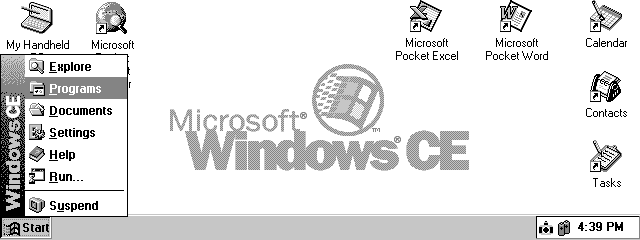
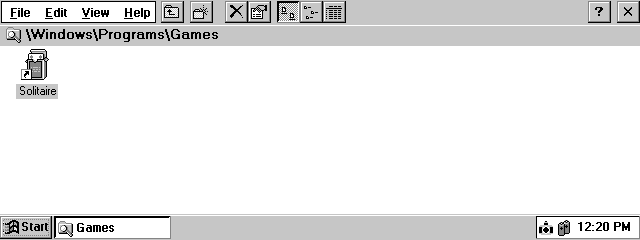
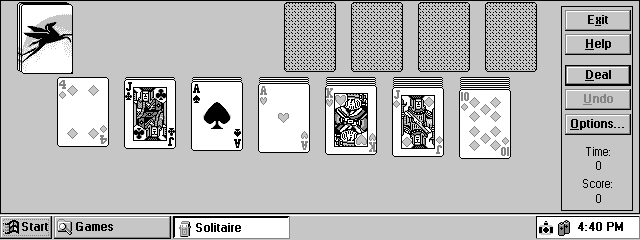
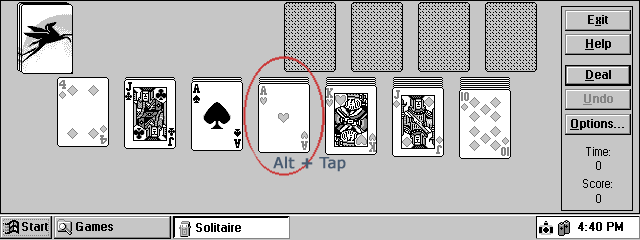
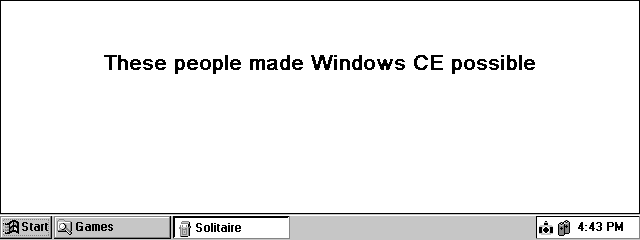
OverviewAn 'Easter Egg' is a hidden feature of a software application that is hidden by the developers intentionally. Easter Eggs often are used to display the names of the programs creative team and software architects, in the same manner that motion pictures have ending credits. Some times they are purely entertaining with jokes and even hidden games. This document describes a Windows CE 1.0x Easter Egg. How-to GuideHave you ever wondered who the immortal soles responsible for the development Microsoft Windows CE were? This well hidden Easter Egg is found in Microsoft's Solitaire on the Windows CE 1.0x ROM image
| ||||||||||||||||||||||||||||||||